How daily gift links work
What happens when you tap Collect, and what “already used” or “expired” means.
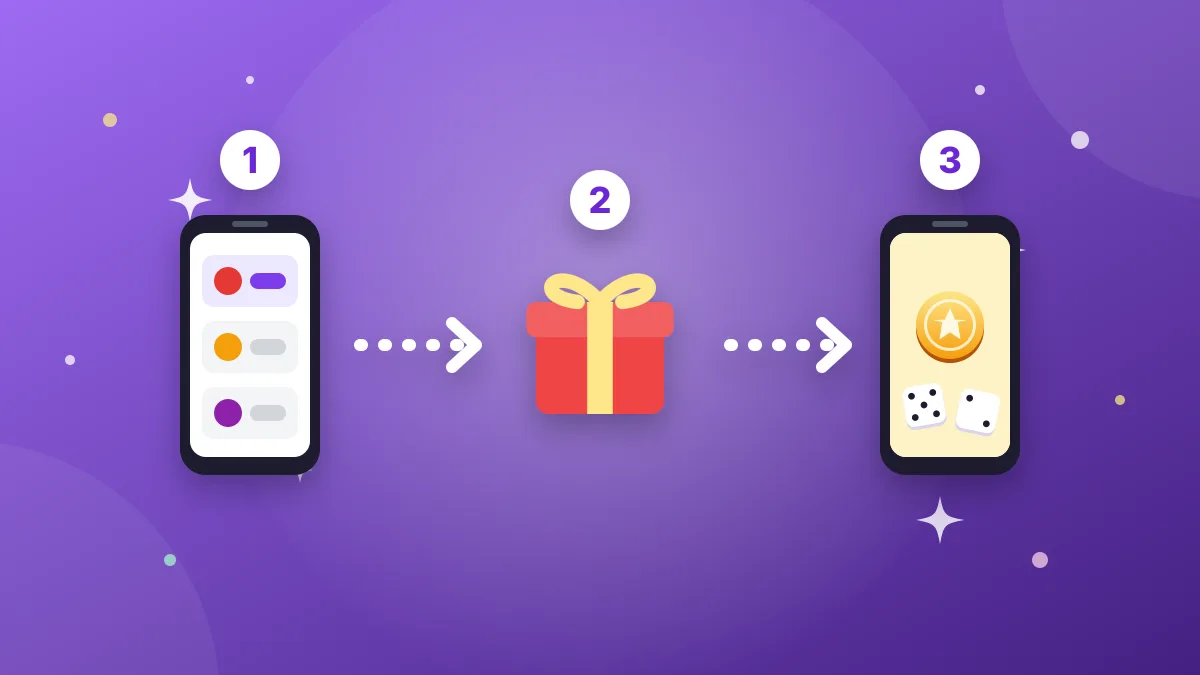
Many mobile games reward their community with free links: dice, spins, coins, energy or boosters. Each link is a small promotion that the game itself creates and shares on its official pages.
Collecting a gift
- Install the game and sign in once.
- Tap Collect on a gift in Roll & Spin.
- The game opens and shows the reward.
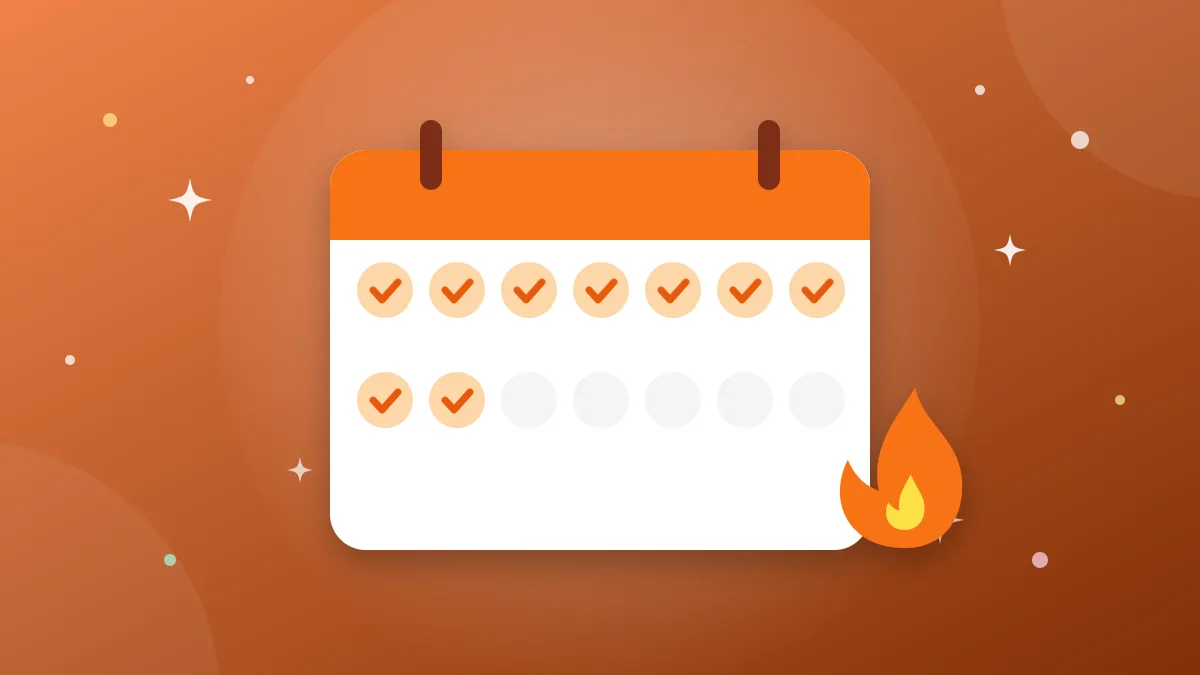
- Come back: the gift is marked as collected and your streak grows.
Messages you may see
“Already used” or “already collected” means your account has claimed this link before — maybe from another app or website. Nothing is wrong; every link works once per account.
“Link expired” means the promotion has ended. Most links last one to three days, some even less. Roll & Spin hides old links automatically, and you can tap ⋯ → “Didn’t work” to warn other players faster.
Turn on notifications: a soft chime tells you when new gifts arrive for your games.